> For the complete documentation index, see [llms.txt](https://docs.coinscan.com/llms.txt). Markdown versions of documentation pages are available by appending `.md` to page URLs; this page is available as [Markdown](https://docs.coinscan.com/introduction/navigation.md).
# Navigation
## Main Navigation Menu
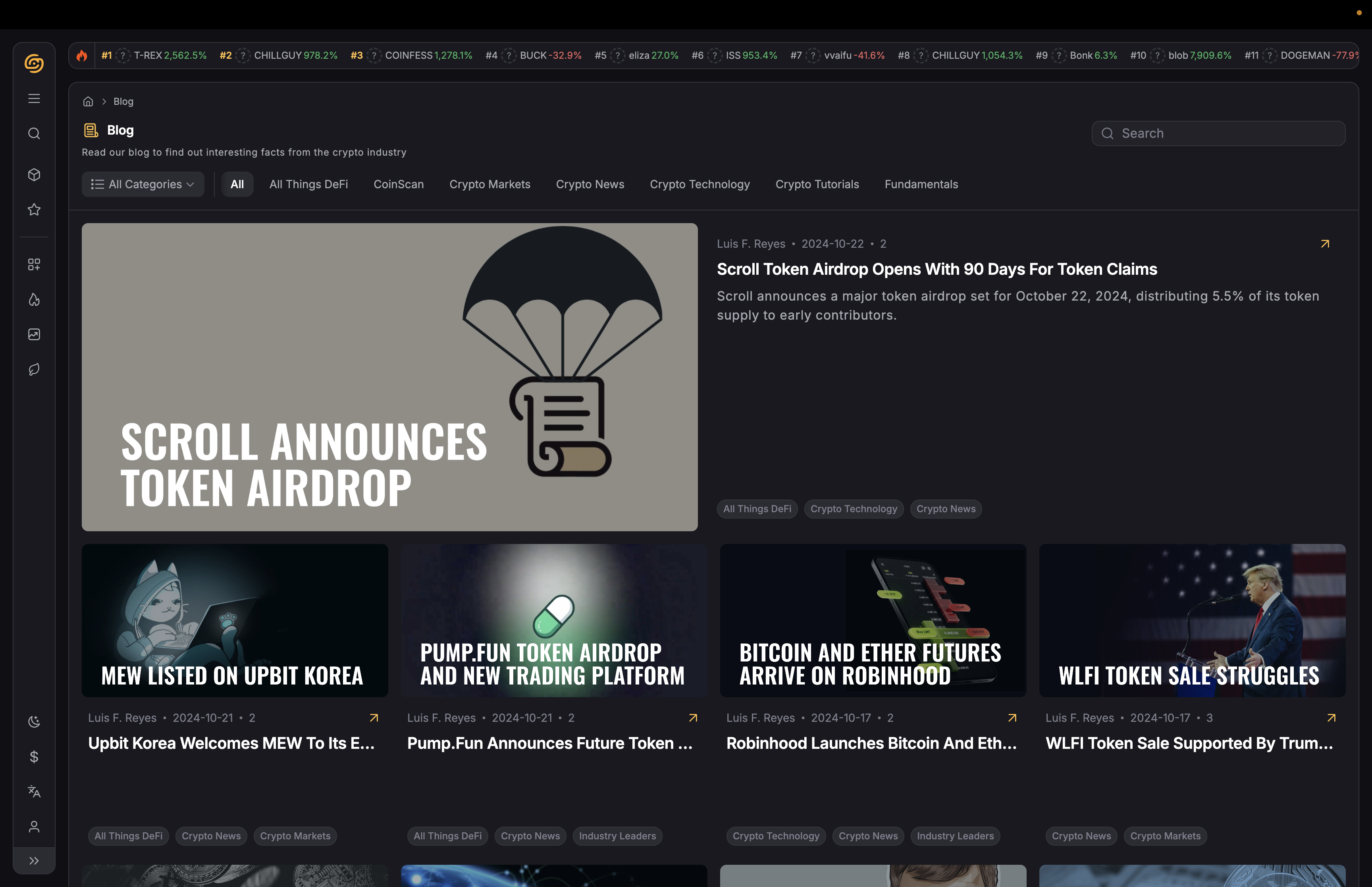
The navigation menu on the left of your screen serves as your command center. Use it to access every section CoinScan offers.
Here’s what you’ll find:
### 1. Explore
* [**Multicharts**](https://www.coinscan.com/multicharts): Monitor the charts of all your selected tokens simultaneously with our multichart feature.
Start your hunt with a selection of **standout tokens**. Customize your search by selecting:
* [**Trending**](https://www.coinscan.com/trending): View tokens that are gaining attention across the platform.
* [**Gainers**](https://www.coinscan.com/gainers): Track coins with important price movements.
* [**New Pairs**](https://www.coinscan.com/new-pairs): Discover the latest additions.
### 2. Content
* [**Blog**](https://www.coinscan.com/blog): Stay updated with the latest crypto market news, project guides, and analysis.
* [**YouTube**](https://www.youtube.com/channel/UCbidmr-Om4_5rpx_KiUD2ig): Access video content with entertaining guides and market updates. Don’t forget to subscribe!
* [**Crypto Glossary**](https://www.coinscan.com/glossary/)**:** Familiarize with key crypto terms and concepts.
#### 3. Company
* **FAQ:** Get answers to the most common doubts.
* **Advertise**: Find how to promote with CoinScan
* **Contact Us**: Get in touch for support.
* **Careers:** Check for open roles.
#### 4. Products
* **Changelog:** Check the latest platform updates.
* **Report Bug:** Help us improve the platform.